Keyboard Shortcuts
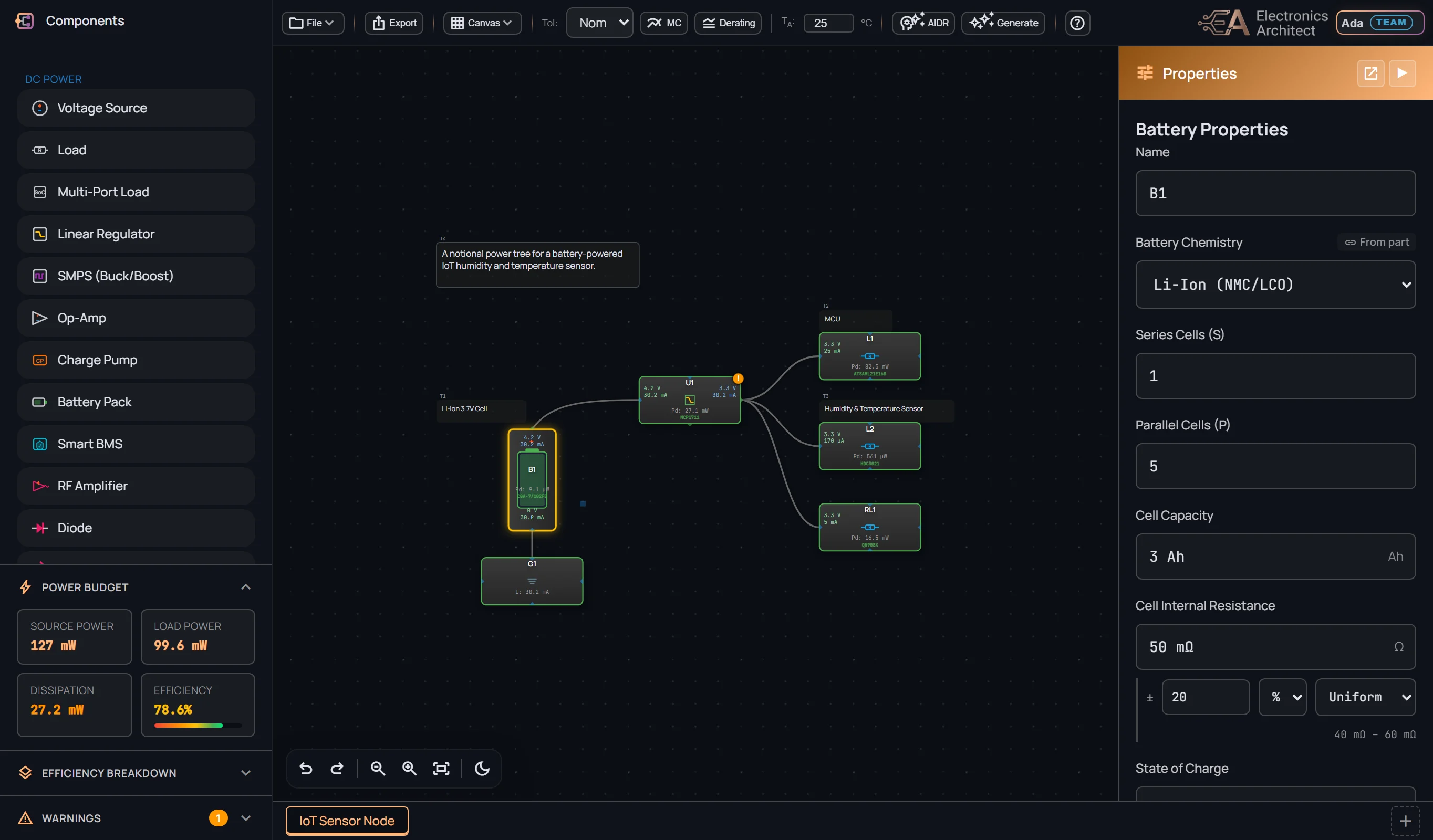
Components
Tab to a part, then Enter Place it on the canvas
Drag from the library Place it where you drop it
Selection
Click Select node
Shift+Click Add to selection
Ctrl+A Select all
Drag on canvas Selection box
Edit
Ctrl+C Copy
Ctrl+V Paste
Ctrl+X Cut
Ctrl+D Duplicate
Delete Delete selected
File
Ctrl+S Save
Ctrl+Shift+S Save As
History
Ctrl+Z Undo
Ctrl+Y Redo
Canvas
Scroll Zoom in/out
Middle-click drag Pan
Alt+Drag Pan
🔍 Find Part
—
—
—
—
—
—
—
—
—
—
—
—
Part Filters
| Fit | MPN | Mfg | Vin | Vout | Imax | Pkg | Price | Stock |
|---|
🔒 Your own AI key is set, so the text is read by your AI provider instead of ours. The specs it extracts stay in your My Parts.
To read it, we send the text to Google’s Gemini AI, which does not train on it (or to your own
AI provider, if you have set your own key). If the part is under NDA, check that the NDA allows that.
Privacy policy
Off by default: the part is saved only to My Parts, in this browser. Opting in files the
extracted specs (never the text you pasted) for community review; nothing is published directly.
⚙️ Settings
Sign in to use the AI analyses included with your plan.
Advanced: use your own API key
With your own key, AI requests run on your provider account instead of the included quota. No monthly limit; your provider bills the usage. The key is saved encrypted with your account, never in this browser.
Base Mode:
📄 Document Settings
grid_on Grid Settings
branding_watermark Canvas Watermark
lock
Custom watermarks are a Pro feature. Upgrade
50%
15%